
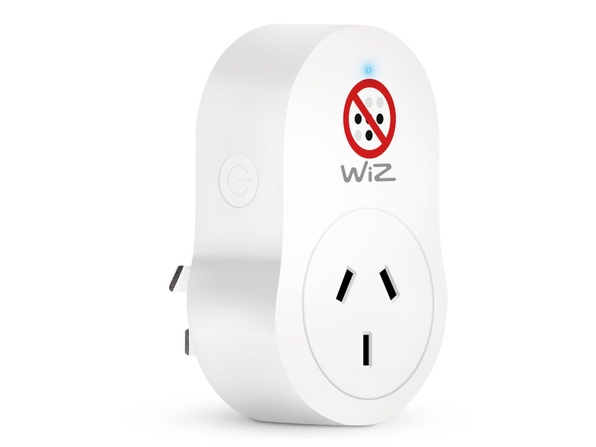
I picked up a Wiz Smart Plug and for the life of me I couldn’t get it to connect to the WiFi using the Wiz Connected app. I’d already connected the plug to the Portable Button, so Smart Pairing was out, I had to pair manually. No problem, I thinks. Yet the app would get stuck on the step Sending credentials… under the Connecting to the Cloud header. None of my Google-fu (Duck-Duck-Go-fu?) surfaced any working solutions, which I eventually realised was to turn off the Tailscale VPN I had active on my phone. D’oh!
I have a real knack for finding problems that nobody else seems to have come across. Or if they did, they didn’t document it. Or if they did, well maybe I’m just rubbish at looking for the one article that would explain everything out to me. If anything it has trained me to get good at pulling information together to figure out these problems.
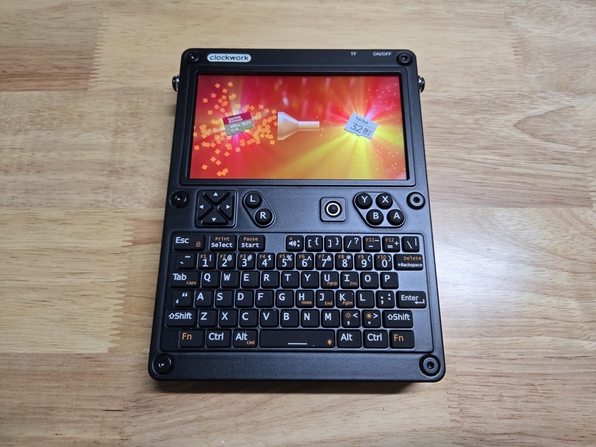
Case in point; I wanted to liberate a 256GB MicroSD card from my delightful uConsole. The only other MicroSD cards I had on hand were 32GBs, which I figured was sufficient for the uConsole, and I wanted the 256GB for my PlayStation Vita. Okay, easy. I’ll just shrink the partitions, back them up, and restore them.
Narrator:
It was not easy.
This is a neat device that allows you to connect bluetooth peripherals to your ST including modern mice and joypads. Out of the box it works well with joypads, but takes a little bit of software tinkering to enable mouse support.
A quick guide on using a Gotek USB floppy emulator in your ST, conveniently store all your floppy images on a single drive and never have to worry about worn out floppy drive belts again!
© Copyright 2026
Phil Watson
Last updated
Sunday, 26/Jul/2026 15:00 +1000